Textile · ask the mill ledger
Ask the mill in plain language.Lot-wise stock, shade-wise WIP, shift output.
eManage Eva AI lets mill owners and supervisors ask eManage textile ERP questions in plain English, runs the query with their own permissions, and returns the figure with a chart and the tables it used.
Language
English
No SQL required
Steps
Multi
Plan, run, repair
Rights
ERP roles
Same as the user
Output
Chart + source
Tables named

Eva AI
Northloom Textiles
09:09 ✓✓
Month-to-date billing for Northloom Textiles (NLTD). Role: accounts.
Total Revenue
₹ 1.84 Cr
Outstanding
₹ 22.4 L
Report queue
Every new question waits for a new report.
Owners and supervisors wait for the IT person to build a report for every new question about lots, shades or job-work.
Lot stock
Where is that yarn lot
Stock by count and lot means three screens and an export.
Job-work
What is with the processor
Grey out and fabric back are in different registers.
Efficiency
Shift-wise numbers
Loom and knit efficiency by shift needs a custom report.
On the device
Handset views
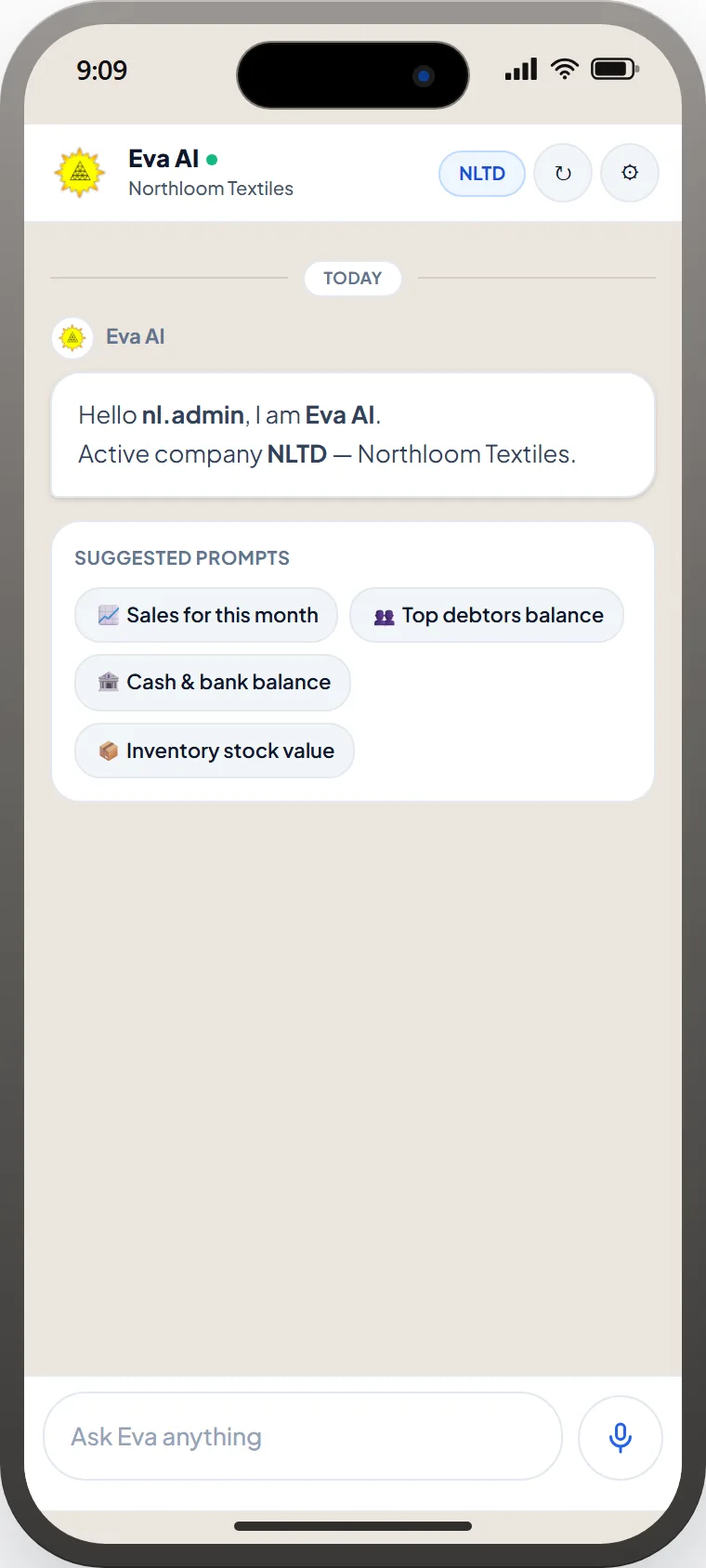
Ask in English
Sales, debtors, cash and inventory for dummy company NLTD · Northloom Textiles.
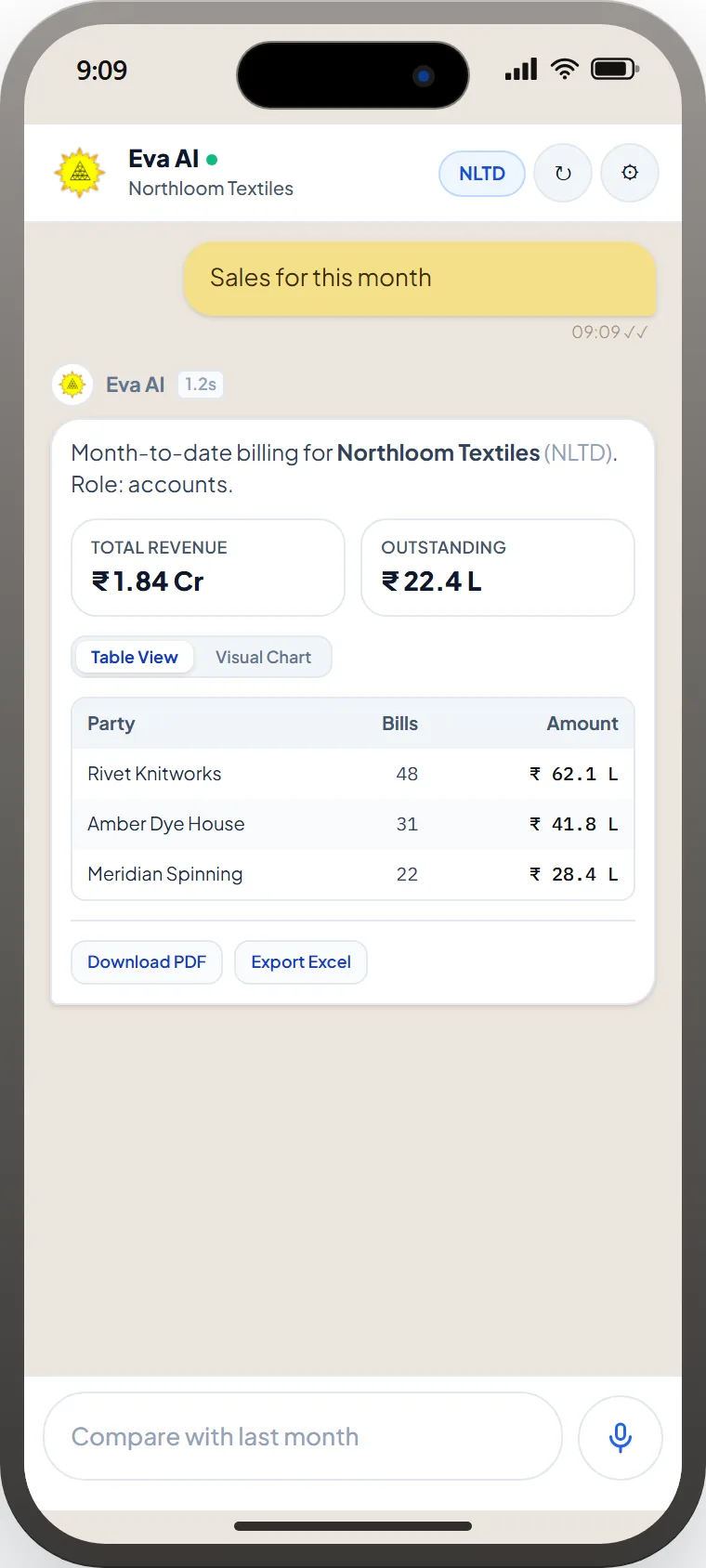
Numbers, then export
Totals for Northloom Textiles (NLTD) within the user's role, as a table or chart, with PDF and Excel export.
How it works
Four moves.One write-back.
- 01
Ask.
Type the question in English, as you would ask the godown in-charge.
- 02
Plan.
Eva picks the eManage tables and plans the query: lot, shade, shift or party.
- 03
Run with your rights.
The query runs with the signed-in user's roles, branches and costing rights.
- 04
Answer.
The figure comes back with a chart and the underlying tables named.
Eva Mobile
The plant in an iPhone, not a BI ticket.
Same Eva Assistant as the eManage mobile app: plain-English questions, KPI cards, tables, charts, PDF and Excel — role-aware. Shots use a dummy company (NLTD · Northloom Textiles).
Eva AI
Northloom Textiles
09:09 ✓✓
Month-to-date billing for Northloom Textiles (NLTD). Role: accounts.
Total Revenue
₹ 1.84 Cr
Outstanding
₹ 22.4 L
Inside eManage ERP
Live tables. Same permissions.
Eva AI reads the same production, stores and accounts data the rest of eManage uses. There is no overnight copy to go out of date.
- Role and branch filters identical to the ERP screen
- Each answer names the module and master it came from
- Optional export to the same report formats supervisors already file
Questions plantsactually ask.
No. Eva inherits the signed-in user's roles, branches and costing rights. A knitting supervisor cannot query payroll.
Eva re-plans with a different date range or master, or asks a clarifying question, instead of returning a confident empty table.
Default is read. Writes, if enabled, are proposals through existing eManage approvals, not silent updates.
Yes. Shift-wise efficiency, shade-wise WIP and ageing can come back as charts with the level of detail named.
What could your plantrun better?
eManage Eva AI lets mill owners and supervisors ask eManage textile ERP questions in plain English, runs the query with their own permissions, and returns the figure with a chart and the tables it used.
Ask a plant question →Next