● Agentic · live ERP data
Ask the ERP in plain language.Answers come from live tables, under your role.
Eva AI turns plain-English plant questions into multi-step, permission-aware queries over live ERP tables. It self-corrects empty or inconsistent results and returns numbers, charts, and a readable explanation — never a raw dump of tables the user cannot see.
Language
English
No SQL required
Steps
Multi
Plan, run, repair
Rights
ERP roles
Same as the user
Output
Chart + cite
Tables named

Eva AI
Northloom Textiles
09:09 ✓✓
Month-to-date billing for Northloom Textiles (NLTD). Role: accounts.
Total Revenue
₹ 1.84 Cr
Outstanding
₹ 22.4 L
The problem
The answer exists. The report does not.
Owners still wait on MIS for shade-wise WIP or promised-vs-actual. The tables are live. The question is not.
Queue
MIS is a ticket
A buyer call needs yesterday’s dispatch, not next week’s dashboard.
SQL
Only two people can join the tables
Everyone else exports and hopes the filter is right.
Leak
A wide-open BI tool
Payroll and costing must not ride along with a production question.
On the device
Handset views
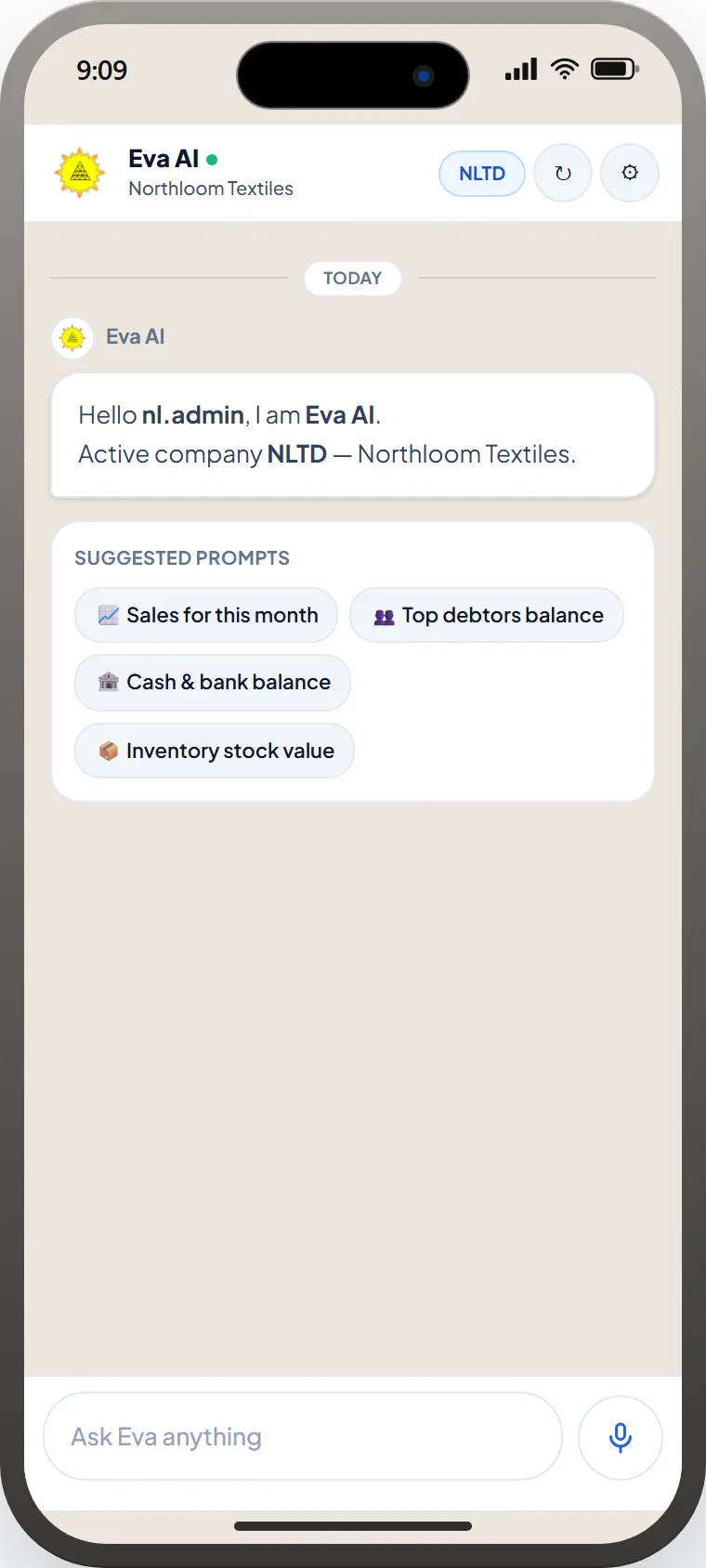
Ask in English
Sales, debtors, cash, inventory — scoped to dummy company NLTD · Northloom Textiles.
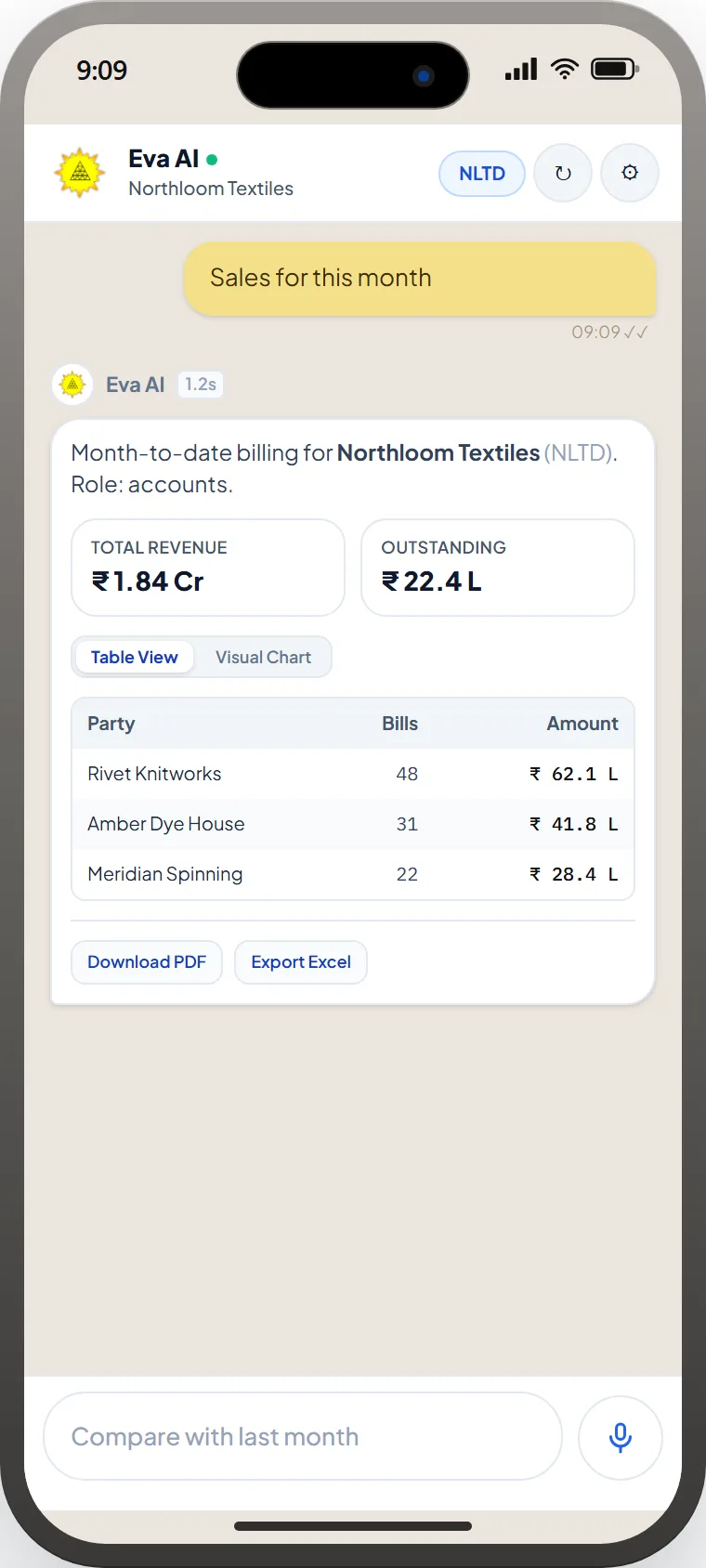
Numbers, then export
Role-aware totals for Northloom Textiles (NLTD), table or chart, PDF and Excel — not a raw SQL dump.
How it works
Four moves.
One write-back.
01
Plan
The agent names the tables and the grain — order, roll, machine, or voucher — before it touches data.
02
Execute
Queries run as the signed-in role. Hidden companies, branches, and costing sheets stay hidden.
03
Repair
Empty or absurd results trigger a rewrite, not a confident zero.
04
Explain
You get the number, a chart if it helps, and which masters it used.
Eva Mobile
The plant in an iPhone, not a BI ticket.
Same Eva Assistant as the eManage mobile app: plain-English questions, KPI cards, tables, charts, PDF and Excel — role-aware. Shots use a dummy company (NLTD · Northloom Textiles).
Eva AI
Northloom Textiles
09:09 ✓✓
Month-to-date billing for Northloom Textiles (NLTD). Role: accounts.
Total Revenue
₹ 1.84 Cr
Outstanding
₹ 22.4 L
Live tables. Same permissions.
Eva AI is not a warehouse copy that goes stale at 2 a.m. It reads the same production, stores, and accounts data the rest of eManage uses.
- Role and branch filters identical to the ERP screen
- Citations back to module and master — not a black-box total
- Optional export to the same report formats supervisors already file
Questions plants actually ask
No. It inherits the signed-in user’s roles, branches, and costing rights. A knitting supervisor cannot query payroll.
The agent re-plans — different date grain, alternate master, or a clarifying question — instead of returning a confident empty table.
Default is read. Writes, if enabled, are proposals through existing eManage approvals, not silent updates.
Yes. Shift-wise efficiency, shade-wise WIP, and ageing can come back as charts with the underlying grain named.
Next