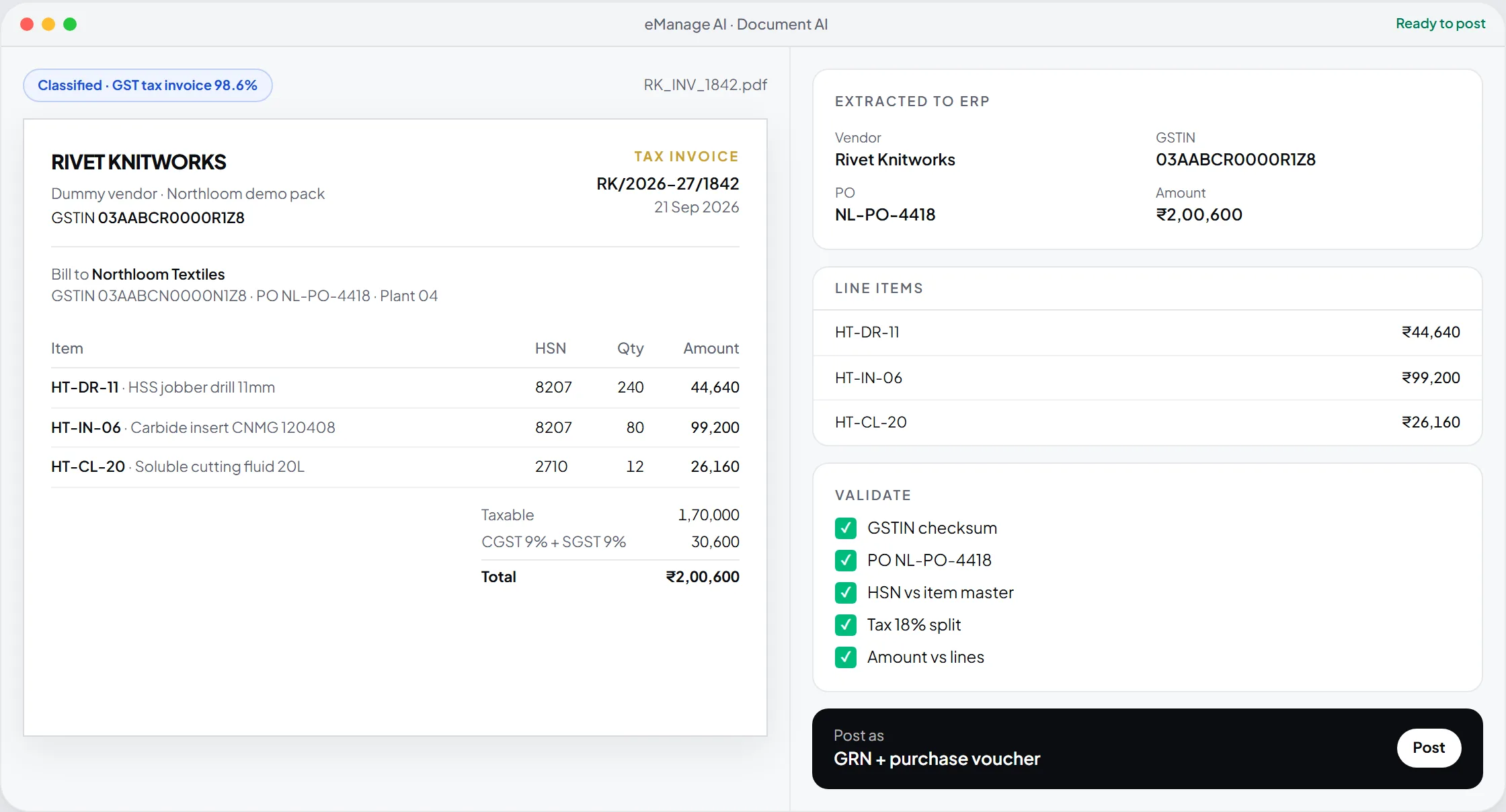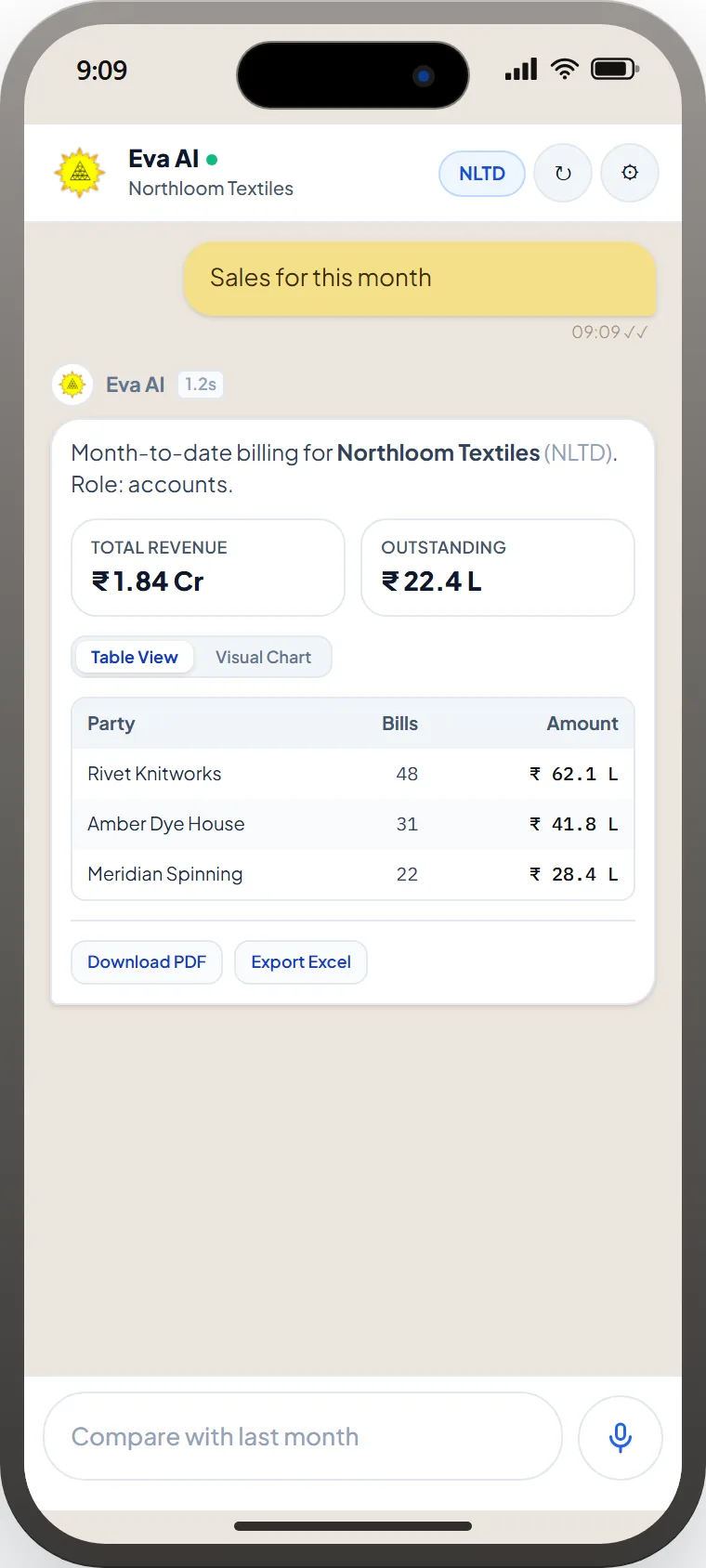
Agents · engineering
Work instructions at the machine.Setup sheets, torque sheets, inspection plans.
SOP AI on eManage AI lets engineering plants set up agents trained on their own work instructions, torque sheets, and inspection plans, then put them on shop-floor screens and ERP screens with role-based access and version history.
Agents
Unlimited
One SOP set each
Access
RBAC
ERP roles respected
Retrain
Live
SOP drop → new version
Deploy
Embed
ERP, kiosk, help desk
eManage AI · SOP AI
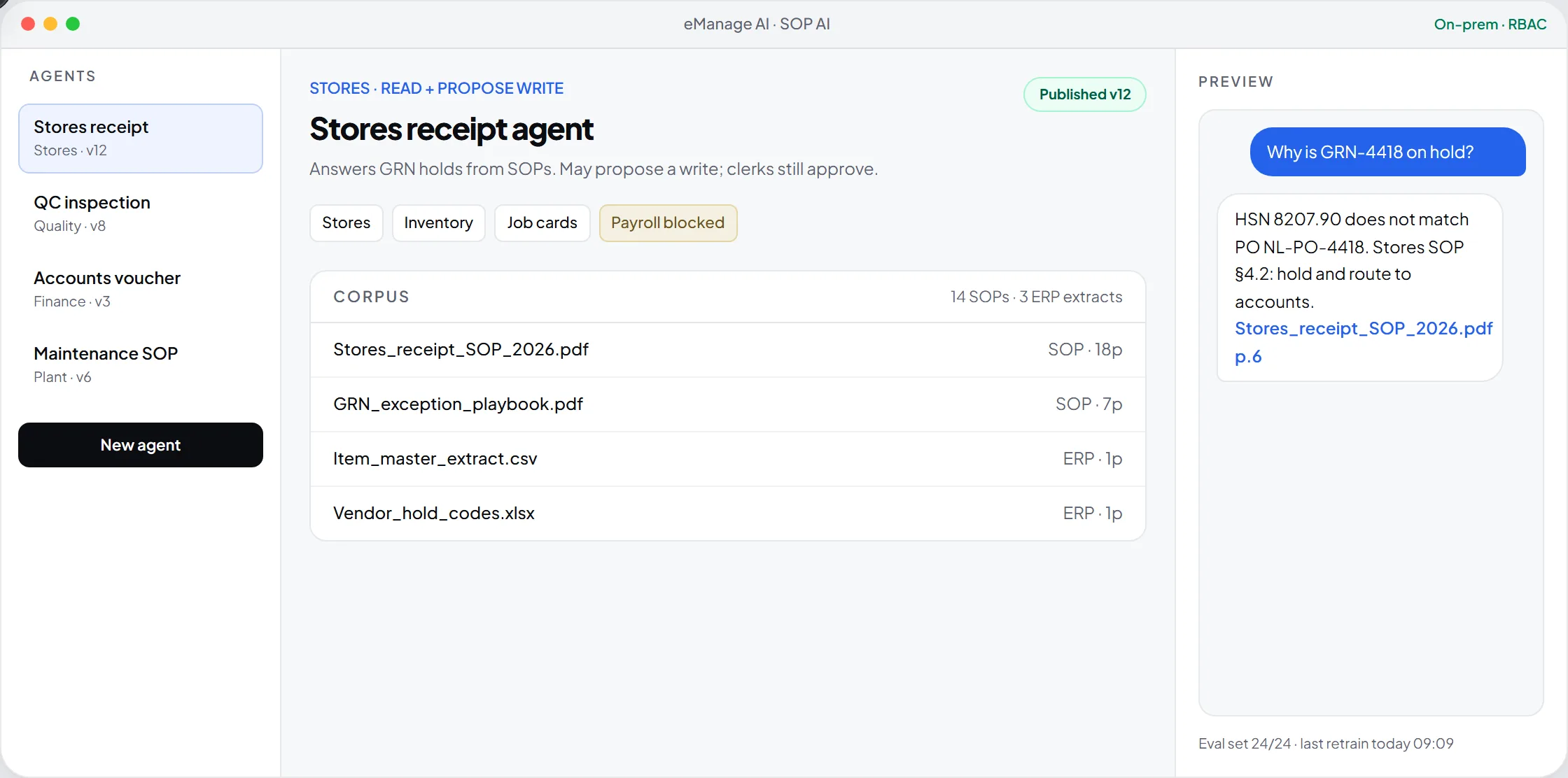
SCOPED · VERSIONED · ROLE-AWARE
The problem
The setup is in a file. The setter is on leave.
Torque values, first-off checks, and fixture notes sit in printouts at the machine or with one senior setter. New operators wait, or work from last year's revision.
Tribal
Setup notes with one person
Fixture and offset notes are not searchable at the machine.
Old revision
The printout is out of date
A drawing revision changes the instruction, but the laminated sheet stays.
Risky
One open assistant for everyone
Shop-floor prompts must not see costing or payroll.
SOP agent vs a generic chatbot.
| Capability | Generic GPT widget | SOP AI |
|---|---|---|
| Source of truth | Open web + whatever was pasted | Your SOPs, recipes, and work instructions |
| Scope | One assistant sees everything | One agent per SOP pack and ERP role |
| Citations | Unsourced answers | Page-level cite back to the instruction |
| ERP writes | None, or hidden background changes | Propose-write through existing approvals |
| Retrain | Prompt tweaks by IT | Drop a revised SOP, publish a version |
How it works
Four moves.One write-back.
- 01
Attach the instruction pack.
Upload work instructions, setup sheets, torque sheets, and inspection plans, or point at an ERP module extract.
- 02
Scope the agent.
Name it, bind roles, and set what it may read and what it may propose to write.
- 03
Suggest from the files.
The builder proposes starter prompts and test questions from the documents.
- 04
Embed and version.
Put it on a shop-floor terminal or ERP screen. A new revision is a new version, and the old one can be rolled back.
SOP agent
Attach the SOP → scoped agent
SOP PDF, dye recipe, or module extract.
Inside eManage ERP
Answers point back to the job card.
Answers can deep-link to the job card or routing step in question. Proposed writes pass the same approvals as a human clerk.
- One agent per instruction set: machining setup, assembly, final inspection
- Shop-floor agents never see costing or payroll extracts
- Can run inside the plant, so drawings and instructions stay in the plant
Questions plantsactually ask.
No. You choose to run it inside the plant or on a private cloud. Each agent is scoped to the files and ERP extracts you attach.
Upload the new document, review the suggested prompts, and publish a version. The previous version remains available to roll back.
Each agent has its own document set, test questions, and version. It answers only from its own files and can cite the page it used.
Agents inherit eManage roles. Most run read-only with a proposed write that still goes through the existing approval workflow.
What could your plantrun better?
SOP AI on eManage AI lets engineering plants set up agents trained on their own work instructions, torque sheets, and inspection plans, then put them on shop-floor screens and ERP screens with role-based access and version history.
Scope an SOP agent →Next